
How to Install Your Own CCTV System: A Step-by-Step Guide for Beginners


Understanding Your CCTV Needs
Before diving into the installation process, it's crucial to understand your specific surveillance needs. Consider the areas you want to monitor, the level of detail you require, and whether you need indoor or outdoor cameras. This initial assessment will guide your equipment choices.

Once you have a clear idea of your requirements, research the types of CCTV systems available. Popular choices include wired, wireless, and IP cameras. Each type has its own advantages and limitations, so choose one that aligns with your security goals and budget.
Gathering Necessary Equipment
After selecting the right type of system, compile a list of necessary equipment. This typically includes cameras, a digital video recorder (DVR) or network video recorder (NVR), cables, and a monitor. Ensure all components are compatible with each other.
Don't forget the small but important items like screws, anchors, and cable clips. Having everything ready before you start will make the installation process smoother and more efficient.

Planning Camera Placement
Strategic camera placement is key to maximizing your CCTV system's effectiveness. Identify high-traffic areas, entry points, and any vulnerable spots. Make sure cameras are positioned to cover these areas without significant blind spots.
Keep in mind that outdoor cameras should be weather-resistant and installed at a height that deters tampering but allows for clear recording.

Installing the Cameras
With your plan in place, begin the physical installation. For wired systems, run cables from each camera to the DVR. Use cable clips to secure them neatly along walls. For wireless systems, ensure a strong Wi-Fi connection at each camera's location.
Mount the cameras securely using the provided brackets and screws. Adjust the angles to cover the desired areas effectively. Test each camera's view by connecting it to the monitor before finalizing its position.
Setting Up the Recording System
Once the cameras are installed, it's time to set up your DVR or NVR. Connect it to your monitor and follow the manufacturer's instructions to configure the recording settings. Set up continuous recording or motion detection based on your needs.
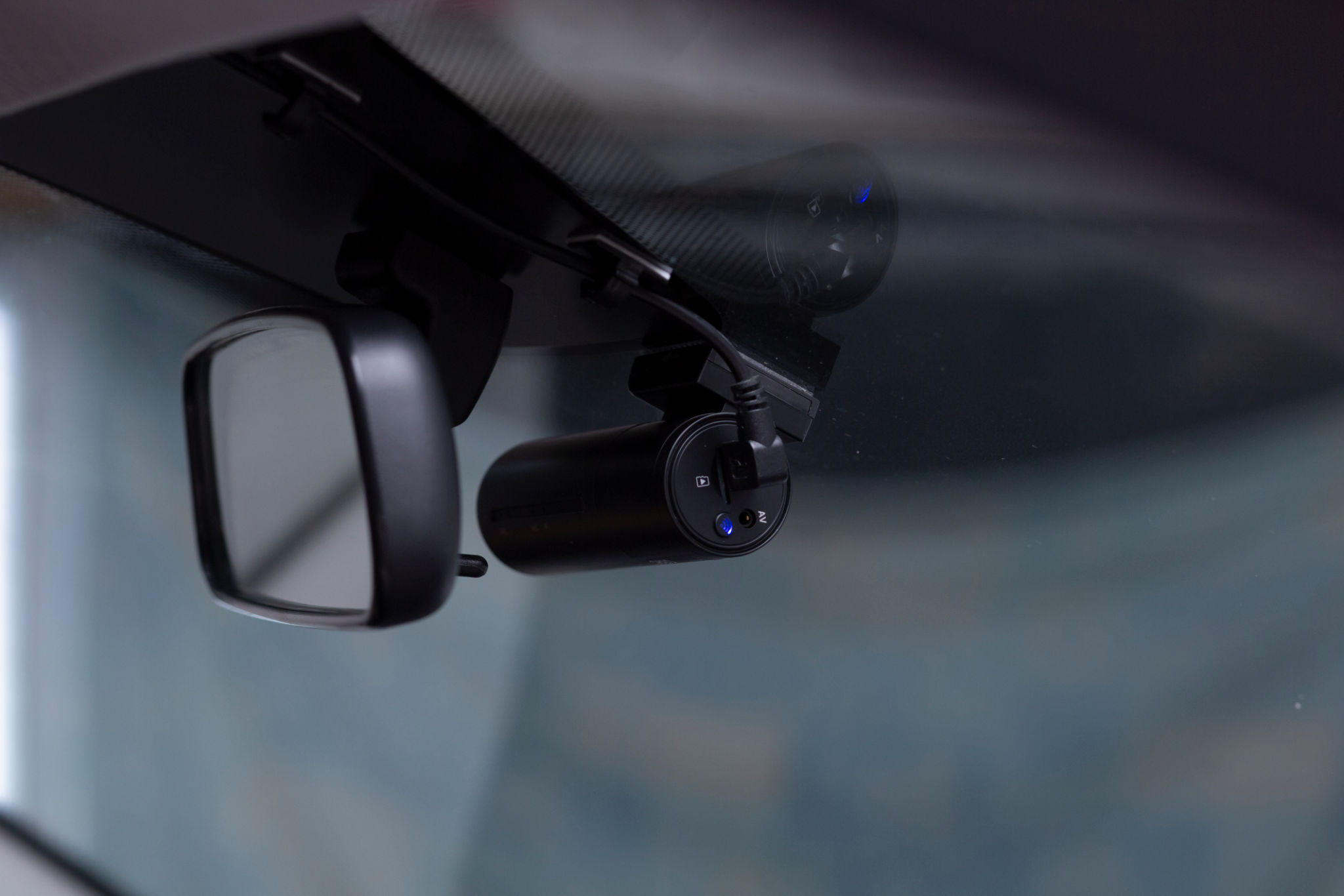
Ensure your storage capacity is sufficient for your recording preferences. Regularly check the system to ensure it's functioning correctly and capturing quality footage.
Testing and Maintenance
After setup, thoroughly test your CCTV system. Check each camera's feed, test motion detection, and verify night vision capabilities if applicable. Make any necessary adjustments to optimize performance.
Regular maintenance is essential for keeping your system in top condition. Clean camera lenses, check connections, and update software as needed. This will help prevent issues and extend the lifespan of your equipment.
Ensuring Privacy and Compliance
While surveillance can enhance security, it's important to respect privacy and comply with local regulations. Inform visitors of CCTV presence and avoid recording areas where privacy is expected, such as bathrooms or neighboring properties.
Check local laws regarding surveillance to ensure your installation is legal and ethical. Proper compliance will protect you from potential legal issues.